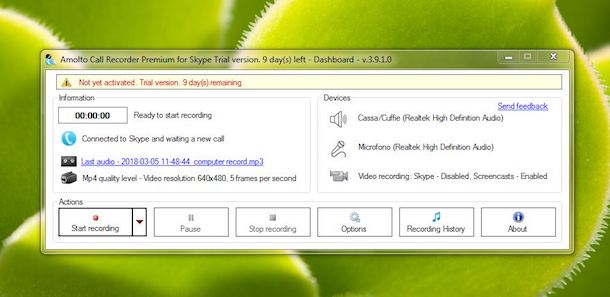

Nativamente il programma non offre questa opzione, però come vedremo oggi, è possibile supplire a questa mancanza sfruttando dei programmi esterni, in questo caso useremo CallGraph Skype Recorder.
Il software in questione è completamente gratis, disponibile per sistemi operativi Windows, e come detto permette di registrare su file le chiamate effettuate con Skype.
Il bello di CallGraph Skype Recorder è che non ha limiti di tempo nella registrazione, restrizioni o costi nascosti.
Il programma è in grado di registrare chiamate Skype to Skype, SkypeIn, SkypeOut e anche le conferenze Skype.
Le registrazioni sono anche di alta qualità, inoltre l’utente può modificare le impostazione in base alle proprie esigenze.
Per poter sfruttare CallGraph Skype Recorder dovete innanzitutto ovviamente scaricarlo dal sito ufficiale. Una volta installato il programma ed avviato, vi sarà chiesto la prima volta di collegare il proprio account Skype, in modo da aver l’autorizzazione a registrare.
Come ultimo step dovrete solamente seguire la demo interattiva e controllare che funzioni tutto.
In automatico poi il programma inizierà a registrare non appena inizia la chiamata, e si stopperò quando questa termina. Ovviamente nelle opzioni è possibile modificare questo comportamento.